Sunday, 9 July 2017

Mental Ray Part 8 | Maya Tutorials | Resit | Year 2


It was great to see how important displacement maps could be and I found it fascinating to see it render out looking better and better often just by changing a few settings.

Unfortunately I ran into problems with the second half of the video and for some reason the mushroom would just explode during the rendering.

Mental Ray Part 11 | Maya Tutorials | Resit | Year 2


I found this tutorial really interesting and can see myself using this - possibly even during 3rd year. It seems like a nice and easy way to trick Maya into running the workspace quicker without impacting on the speed of the program or render times.

Monday, 3 July 2017

Mental Ray Part 10 | Maya Tutorials | Resit | Year 2

TL - orig TR- motion blur  BL - motion blur 5 BR-motion 5 steps 15

(from left to right)
Top - Original, Motion full, Motion 5, Maya software
Bottom - Maya software shutter, Camera shutter 144, Camera shutter 72, Camera shutter 250

Mental Ray Part 9 | Maya Tutorials | Resit | Year 2

Original view

Ambient view

64 samples & 128 samples

method 2

128 samples

Ambient Occlusion shader
I thought this tutorial was very interesting and it was nice to see 3 different ways to get the same outcome. I have realised that this is the same scene from Part 5 and its interesting to see the difference between the 2 methods. The portal lights gave a more realistic outcome but the ambient occlusion could be used in photoshop to get to a similar result by increasing the samples.

Sunday, 2 July 2017

@ALAN Mental Ray Part 7 | Maya Tutorials | Resit | Year 2

I'm really struggling to do this tutorial as I can't download HDR Shop. No matter what I try I get left with either an error as to why the page doesn't exist or that Safari can't open the page. Thinking it may have been an issue with Safari I did try to download it using Chrome and the same thing happened. If anyone could help that would be great as otherwise I'm well and truly stuck.

Mental Ray Part 5 | Maya Tutorials | Resit | Year 2

Original scene (floor not plugged in)
Physical sky added
Horizon moved
Area lights added with no changes
Portal lights added
High samples (32) on portal lights
Glass added

I really enjoyed this tutorial. I loved the end result and how realistic it ended up being and it has been a very stark reminder of how long scenes can take to render. I feel like I've learnt a lot from this tutorial and I hope to put this into practise with my own scene over the summer.

Saturday, 1 July 2017

@Alan Mental Ray Part 3 | Maya Tutorials | Resit | Year 2

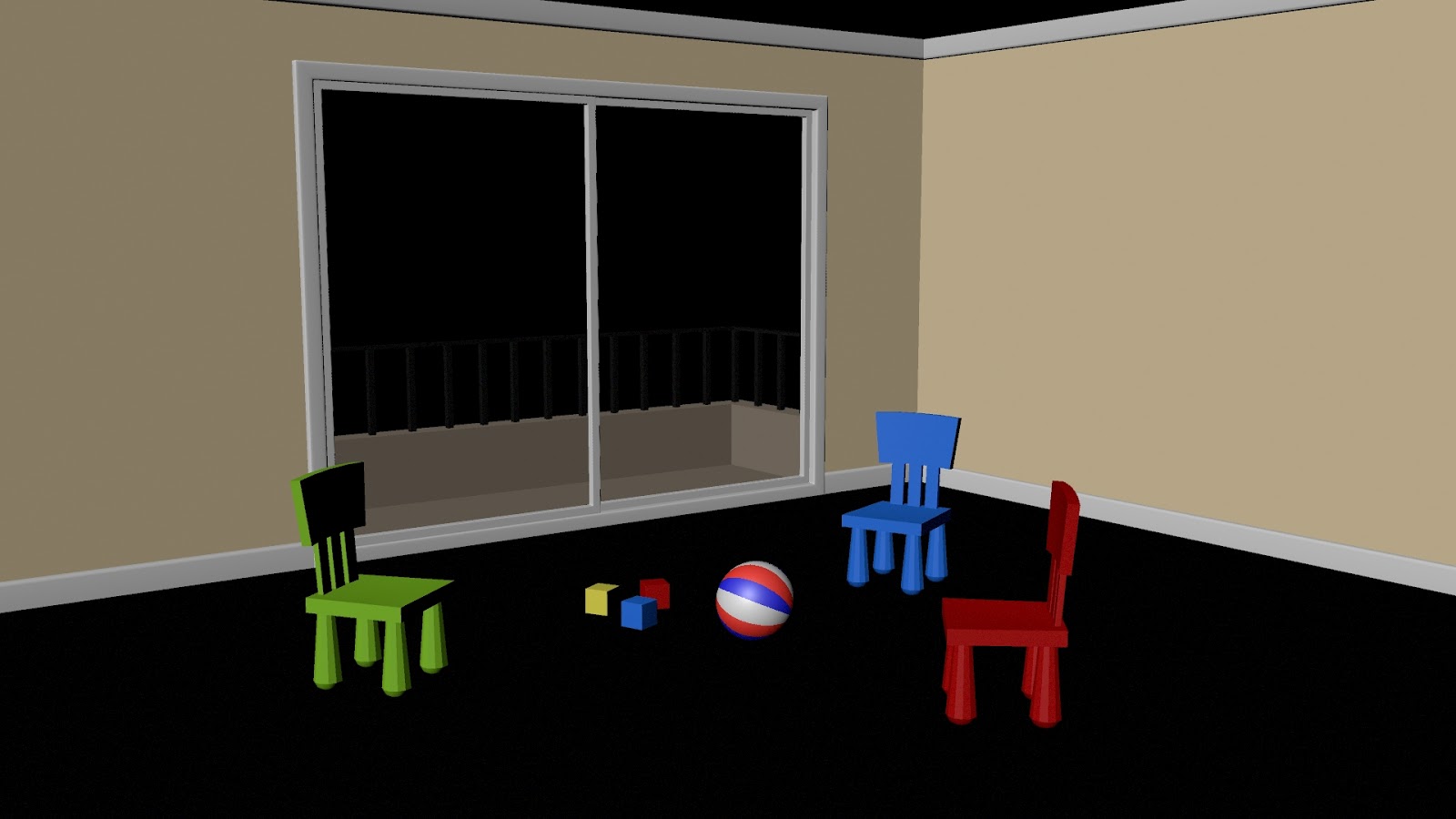
Orignal scene
Colour management enabled
This tutorial was very frustrating to attempt. Due to the changes with Maya 2016 vs the tutorial video, it was very hard to track down options, menus and tabs.
Unforuntaley I have been defeated with this one unless someone could help me with how to locate where I have to change sRGB into Linear sRGB.

I did watch further into the tutorial to see if there was another way - if anyone knows how, please let me know as I would love to know